Rechercher

Article
· Mars 2, 2023 5m de lecture

Tutorial - Working with %Query #1


The title of the contest subject is not quite precise but addresses the %Library.classes involved.
What is meant is officially named Class Query and is dating back to the early days of Caché.
CLASS is used because it is embedded in a COS class.
Though there is a precise description in the official documentation it remains rather abstract.
My tutorial should guide you step-by-step through a simple example in COS to make it tangible to you

  • All code examples are available on GitHub
  • All examples can be exercised from Terminal, Console, or WebTerminal.
  • I use a personal command ZZQ homed in %ZLANGC00.INT for test and demo which runs the SQL Shell  >>>  "DO $system.SQL.Shell()"
  • SQL Shell runs interactive and allows simple debugging of your code
  • Finally, I use Studio as it includes a very comfortable wizard for ClassQueries

Intro

For any demo or tutorial, some test data are required.
My simple table/class design just has 4 columns:

  • Id
  • City
  • Name
  • Age
  • Stream

While the first 4 are rather normal data types easily mapped to SQL
Stream provides the challenge to use a Class Query for display.
The idea in background: If this is a patient record then some big
stream documents might be directly attached to it.
The class is defined as [Final] to keep the Global more readable.

The demo content is generated using %Populate Utility.
Therefore your data content will look different than here
Except for the Stream that is not serviced by %Populate.
Here I generate some text that is randomly split into sections
using || (double pipe) as a segment separator.  
(! it is not a tutoriral on %Populate Utility!)

In order to simulate  missing content I removed
the stream for ID=4 and also the whole ID=3 .

It's simply
USER>Do ##class(rcc.TU).Populate(8)
USER>kill ^rcc.TUD(3)                   ;; make a gap
USER>set $LI(^rcc.TUD(4),4)=""  ;; no stream

So this is the demo Table / Class

USER>zwrite ^rcc.TUD
^rcc.TUD=8
^rcc.TUD(1)=$lb("Bensonhurst","Kovalev",16,"1")
^rcc.TUD(2)=$lb("Queensbury","Yeats",15,"2")
^rcc.TUD(4)=$lb("Newton","Evans",61,"")
^rcc.TUD(5)=$lb("Hialeah","Zemaitis",47,"5")
^rcc.TUD(6)=$lb("Elmhurst","Jenkins",29,"6")
^rcc.TUD(7)=$lb("Islip","Drabek",61,"7")
^rcc.TUD(8)=$lb("Islip","Kovalev",88,"8")


The case %SQLquery

You create an empty class frame  (rcc.TU0) and let the wizard add a Query

And it guides you through all the required parameters:
We first create a Basic Class Query 

and add our input parameters  (I have just 1)

and

that's the result

That's not so impressive yet and you need to add some more parameters + your Query!
you may do it just by typing or using Studio's Inspector which knows all quotes and brackets

  •  CONTAINID defines the column of your ID in the resulting row
  • SqlProc indicates that your query may be used as Procedure  (which we will do)
  • SqlName = Q0  assigns a name within your class package (mostly simpler)
  • most important: your SQL statement applying your input parameters as host variables

so it looks like this:

WHAT IS THIS GOOD FOR ?

  • This is, of course, the most simple statement. Normally  you would use it for rather complex SQL statements that are frozen now and as SQLprocedure available anywhere internal or from some external ODBC or JDBC client 
  • all ODBC/JDBC protocol is precompiled for your query. 
  • It looks like embedded SQL but you are not caught in your classmethod.
  • internal it is available for %ResultSet, or  %SQL.Statement or $system.SQL.Shell()
  • either direct using CALL rcc.Q0(4)  or as sub-select  SELECT Id, name FROM rcc.Q0(99) where AGE > 21 

And it looks like this:

  • 
    USER>do $system.SQL.Shell()
    SQL Command Line Shell
    ----------------------------------------------------
    The command prefix is currently set to: <<nothing>>.
    Enter q to quit, ? for help.
    [SQL]USER>>call rcc.q0(4)
    3.      call rcc.q0(4)
    
    Dumping result #1
    ID      Age     City    Name    Stream
    1       16      Bensonhurst     Kovalev "1%Stream.GlobalCharacter
                                                                       ^rcc.TUS"
    2       15      Queensbury      Yeats   "2%Stream.GlobalCharacter
                                                                       ^rcc.TUS"
    4       61      Newton  Evans
    5       47      Hialeah Zemaitis        "5%Stream.GlobalCharacter
                                                       ^rcc.TUS"
    4 Rows(s) Affected
    statement prepare time(s)/globals/lines/disk: 0.0003s/11/583/0ms
              execute time(s)/globals/lines/disk: 0.0006s/4/1515/0ms
                              cached query class: %sqlcq.USER.cls77
    ---------------------------------------------------------------------------
  • [SQL]USER>>SELECT Id, age, name FROM rcc.Q0(99) where AGE > 21 
    6.      SELECT Id, age, name FROM rcc.Q0(99) where AGE > 21 
     
    ID      Age     Name
    4       61      Evans
    5       47      Zemaitis
    6       29      Jenkins
    7       61      Drabek
    8       88      Kovalev
     
    5 Rows(s) Affected
    statement prepare time(s)/globals/lines/disk: 0.0726s/45969/214801/0ms
              execute time(s)/globals/lines/disk: 0.0016s/123/2486/0ms
                              cached query class: %sqlcq.USER.cls81
    ---------------------------------------------------------------------------

It's immediately obvious to you that instead of the Stream content you get a mystic StreamReference

Follow me on to the next chapter of a custom code-based Query.

Just a reminder:
All test data are generated using the System method %Populate
So your output will be different. I suggest you run our tests also with other parameters
than the shown examples to get the full power of this tool.

The full code example is again available on GitHub  

The Video is available now.

For immediate access, you can use Demo Server WebTerminal  
and the related system Management Portal on Demo Server SMP

I hope you liked it so far and I can count on your votes.

4 Comments
Discussion (4)1
Connectez-vous ou inscrivez-vous pour continuer
Question
· Mars 2, 2023

How Does InterSystems FHIR profile validation works?

Hi folks!

Examining FHIR profile validation with InterSystems FHIR server. FHIR profiles is a very useful feature of FHIR standard that helps an organization or solution to establish constraints to a very disperse FHIR standards that are relevant to a particular business solution. Learn more on FHIR profiles.

I created a very simple FHIR profile with the following JSON:

 
Spoiler

As you can see in "differential" section it makes mandatory fields of id, name and gender.

I managed to successfully submit the profile via the POST request to:

localhost:52773/fhir/r4/StructureDefinition

Then I submitted the following test Patient profile, where I omitted the "id" field and included the FHIR profile link in the meta section to:

localhost:52773/fhir/r4/Patient


{

"resourceType": "Patient",

"meta": {

"profile": [

"http://example.org/fhir/StructureDefinition/TutorialPatient"
]

},

"text": {

"div": "‹div xmlns=\"http://ww.w3.org/1999/xhtml\"><h1>Elon Musk</hi>/div>",

"status": "generated"
},

"name": [

{

"use": "official",

"given": [

"Elon"
],

"family": "Ramesh"
}

],

"gender": "male",

"birthDate": "1997-09-08",

"telecom": [

{

"value": "9876543210",

"use": "mobile",

"system": "phone"
},

{

"system": "email",

"value": "elon.musk@gmai.com"
}

]

}

And instead of the expected error I'm getting the successfully created patient.

What am i doing wrong? How are the FHIR validation profiles supposed to be used in InterSystems FHIR server?

9 Comments
Discussion (9)2
Connectez-vous ou inscrivez-vous pour continuer
Article
· Fév 28, 2023 2m de lecture

Break the limits of your server

Hi developers!

You are experts in IRIS and know all tricks. The functionality of $ZF(-1,-2,-100, ......)
is nothing new to you And you know the limits of this functionality.
Both give you access to your local server command line environment. And that's it.

And this is sufficient in most cases.
BUT:
When you run IRIS in a Docker container you are locked into it and isolated.
That's the basic concept of containers. You can access IRIS from outside and
collect data. But nothing goes outside without any external request. Well educated!
That means that your $ZF(..) and also CPIPE is useless in this setup. Enough moaning! You have understood the problem. You are imprisoned!
I have thought about the problem of how to escape from this jail.
And it would be attractive to get the same or better functionality.  How better?
Out of IRIS/Caché you can't get more privileges in your operating system than your
instance or the terminal you run. It's an awkward limitation. Especially in a container.

My solution looks like this:
(Through Hollywood movies I learned you need help from outside to escape wink )
I need to start a slave program in the environment where I want to run my commands.
Not a CHILD process as it should follow exactly my orders. And nothing else!
It became a slave that is not only useful with Docker containers but more generally for
any situation where I don't just talk to my local host, but to any other listening system.

Technical design:
I have created two slave programs (in Python and C++) that listen to a fixed TCP port.
And a commander in COS that transmits his orders. As I talk over TCP my slaves can be 
located anywhere on the net as far as firewalls allow it. In addition, I can provide my
slaves exactly with the appropriate privileges for the target environment independent
of my instance of IRISI/Caché. This was an unplanned but welcome side effect.

You find the code of the slaves and the commander with examples for Linux and
Windows and additional information on how to use and install it on  GitHub.

Orginal in Spanish “Rompe los límites del servidor

1 Comment
Discussion (1)2
Connectez-vous ou inscrivez-vous pour continuer
Question
· Fév 24, 2023

IHE Inbound CCD Result Categorisation Customisation

Hi,

I'm currently working on an IHE implementation, and we've hit some issues around categorising inbound CCD results (i.e. mapping lab and rad results to their relevant SDA types).

I know that this is handled by the \CSP\xslt\SDA3\CDA-Support-Files\Import\Section-Modules\DiagnosticResults.xsl out of the box which can be overridden to use different logic, but I was wondering whether there's a standard/best practice approach for handling different sets of logic depending on the supplier of the CCD? We're going to be onboarding multiple data sources, so we're likely going to end up with lists of thousands of procedure codes, each mapped to a different specialty (e.g. Rad, Cell Path, Micro etc.), so I just wanted to get some thoughts on whether there's a common approach to make this as reusable (and painless) as possible.

This may end up being more of an XSLT-related question as I assume it'll likely involve referencing an external list of values from within a particular stylesheet, or is there maybe a way to call out to some objectscript to use a LUT?

Any advice or ideas would be great.

Thanks!

2 Comments
Discussion (2)3
Connectez-vous ou inscrivez-vous pour continuer
Article
· Fév 21, 2023 3m de lecture

InterSystems Developer Hub:クリック1回で開始できるチュートリアル(4種)のご紹介

開発者の皆さん、こんにちは!

開発者向け情報を集めた「Developer Hub」ページが新たに登場しました!

(2025/10/9更新: 新たなチュートリアルが加わりましたので情報更新しました。)


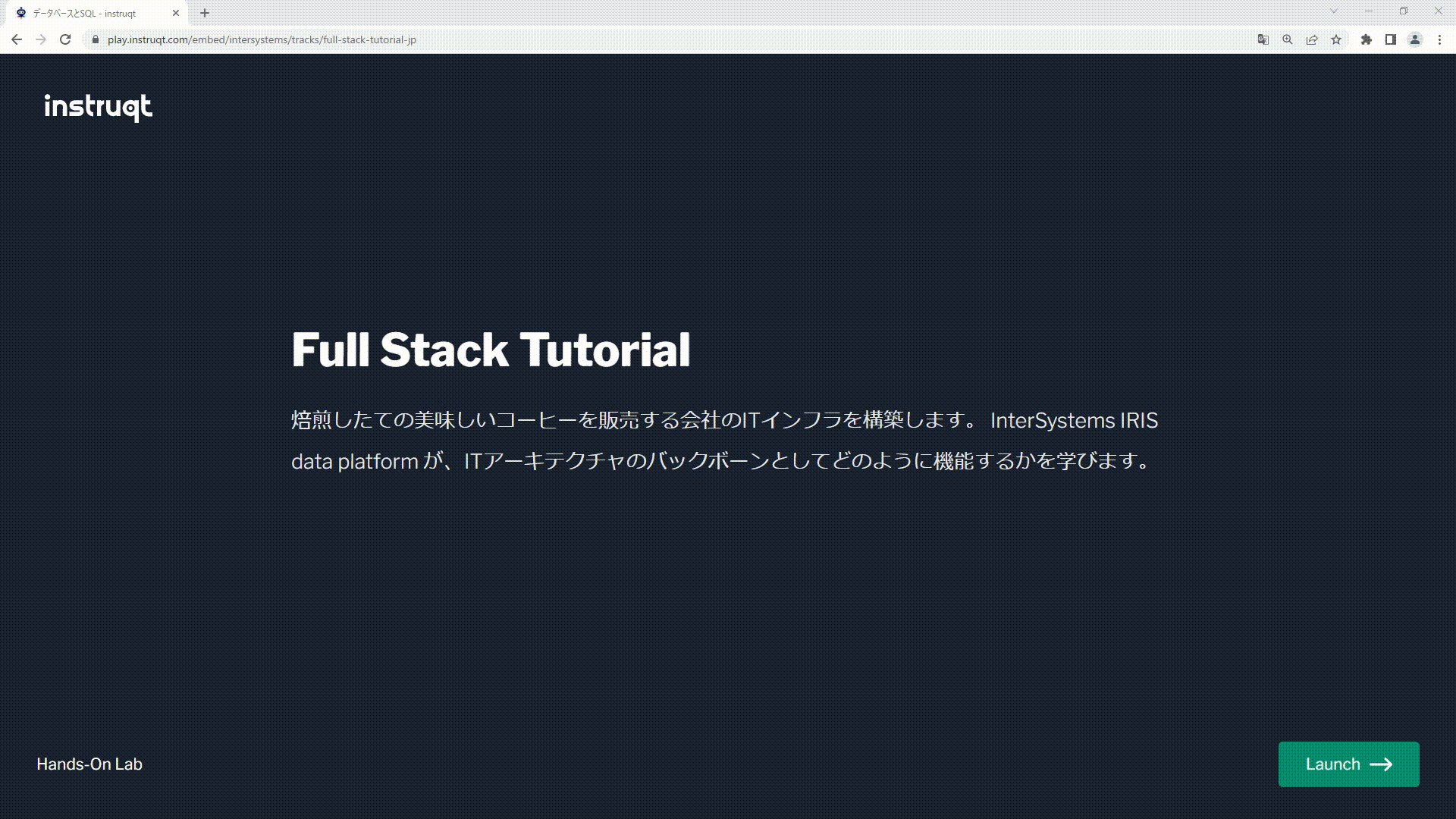
このページには、5種類のチュートリアルが用意されています。チュートリアはブラウザ上で動作し、VSCodeやIRISターミナル、管理ポータルなどチュートリアルで使用するすべての画面が1つのタブ内で開くようになっています。

チュートリアルを試すための事前準備は不要で、クリック1回ですぐにお試しいただけます!(ユーザ登録も不要です)(チュートリアル開始方法は、ページ末尾をご覧ください。)


以下、5種類のチュートリアルの内容をご紹介します。

1) フルスタックチュートリアル

このチュートリアルでは、IRISの管理ポータルを使用してテーブル作成やデータの登録を行ったり、PyODBC経由でSQLを実行してみたり、SQLで登録したデータをオブジェクト操作で修正登録してみたり、サーバ側プログラミングを少し体験したり、RESTサーバの機能をIRISで作成してみたりと、サンプルコードを利用しながら様々な内容をお試しいただけます。

また、作成したRESTサーバの機能を利用して、Vue.jsを使用したオンラインページも作成しています(サンプルの用意があります)。


2) REST + Angular アプリケーション

このチュートリアルでは、IRISだけを利用してRESTサービスで使用するテーブル、データ、RESTサーバの機能を作成していく流れを、サンプルコードをコピーしながらご体験いただけます。


3) InterSystems Interoperability(相互運用性)

このチュートリアルでは、Redditに投稿されているデータを定期的にポーリングし、新しい投稿の中からタイトルに「cat」が含まれる投稿のみファイル出力する流れをご体験いただけます。

このチュートリアルを通して、Interoperability(相互運用性)機能の主要なコンポーネントの役割や、提供されているGUIの使い方などをご確認いただけます。


4)  InterSystems IRIS for Health 相互運用性

このチュートリアルでは、あるシステムから入力される HL7 メッセージを他のシステムに送信する流れをご体験いただけます。

また、データ変換が必要な場合の対応方法や HL7 メッセージの一部をテーブルに保存する流れなどもご体験いただけます。


5) InterSystems IRIS ベクトル検索を使用した RAG

このチュートリアルでは、生成 AI アプリケーションの精度向上に向けて、ベクトル検索と検索拡張生成(Retrieval Augmented Generation)の活用を体験できます。

具体的には、InterSystems IRIS のベクトル検索機能を活用し、生成 AI チャットボット向けのナレッジベースをサンプルコードを利用して作成します。

また、Streamlit を使用して作成したチャットボットを動かしながら、ナレッジベースの情報を追加することで生成 AI からの回答が変化していくことを確認していきます。


チュートリアルのイメージは以下の通りです。(フルスタックチュートリアルを途中まで進めた状態です)


もしよろしければ、チュートリアルのご意見、ご感想を ディスカッションページ にご記入くださいlaugh(もちろん、この記事への返信でも大丈夫です!)

ぜひ、お試しください!

Discussion (0)1
Connectez-vous ou inscrivez-vous pour continuer